Fuel & Other Product Sales
Record nozzle opening and closing readings, testing quantities, reset adjustments and rates. Capture other product sales alongside fuel, with calculated quantities and amounts.

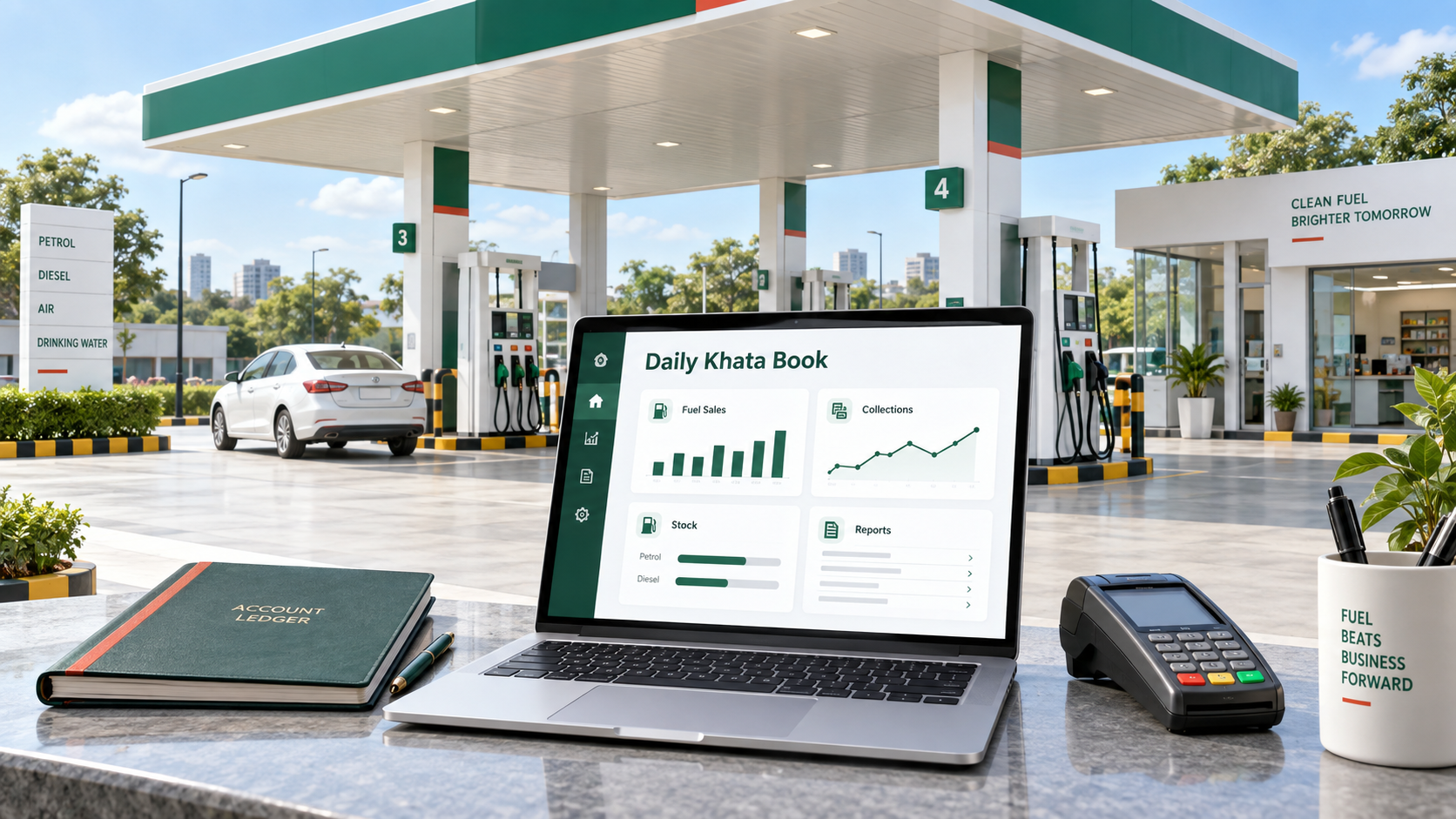
Daily accounting for your petrol pump.
Manage nozzle readings, fuel sales, tank stock, purchase stock-in, expenses, employee payments, cash/bank book, day book, ledgers, outstanding parties, and PDF exports in one focused system.
Keep the day's business connected, from fuel delivered to the tank to collections received from customers.
Record nozzle opening and closing readings, testing quantities, reset adjustments and rates. Capture other product sales alongside fuel, with calculated quantities and amounts.
Enter diesel, petrol or both on a purchase sheet, including quantities in kilolitres and supplier charges. Keep lubricant purchases in their own form and register.
Split sales across configured collection accounts and customer credit. Review the cash balance alongside bank, UPI and swipe-machine collections.
Record money received or paid against the relevant party. Track cash deposits and bank transfers separately from sales, with references and remarks.
Capture multiple daily expenses by category and paid-from account. Maintain employee payment records and review them through the employee ledger.
Start with existing opening balances, track credit sales and receipts, and review outstanding amounts. Customer advances remain visible when receipts exceed dues.
The Daily / Composite Report brings opening balances, product sales, receipts, payments and closing balances together for a day or a selected date range.
Credit sales stay separate from money received, so a later customer receipt is not counted as another sale. Cash and collection-account balances help explain where the day's money stands.
Print reports or use PDF and CSV exports for review and record-keeping.
Add your firm and GSTIN, petrol pump branches, products, tanks, nozzles, parties and collection accounts. Enter opening stock, meter readings and balances.
Enter sales, purchases, expenses and money movements. Save fuel-sale and receipt/payment drafts while preparing longer entries, then review before posting.
Compare registers, collections and outstanding balances. Review the day's reports before completing daily closing and keeping a copy for your records.
One customer account can manage the petrol pump branches included in its selected plan. DKB has its own login and focused workspace, separate from the main ERP dashboard.
Maintain each pump's tanks and nozzles, with branch selections in entries and reports.
Use transaction registers to revisit entries and the available correction or void actions when a mistake needs attention.
Change your password from your account, or request a password-reset link by email when needed.
Yes. Share your name, mobile number and email on the demo page to open a sample petrol pump dashboard and explore its entries and reports.
Yes. Set opening balances when creating parties, along with your opening stock and meter readings, so your records begin from the starting position you enter.
No. A credit sale records an amount owed by a customer. A receipt records money actually received and reduces that balance. Keeping both entries separate preserves a clear party ledger.
Fuel sales and receipts/payments support saved drafts. Check the save confirmation before leaving the form. A draft is not a posted transaction, and server saving requires an internet connection.
The pricing page shows the current plans, included branches and users, applicable GST and yearly payment totals. Monthly equivalents are shown for comparison; billing is yearly.
Explore the daily workflow first, then choose the plan that fits your business.